The Shadow over Blackmore
Play The Shadow over Blackmore
The Shadow over Blackmore Screenshots
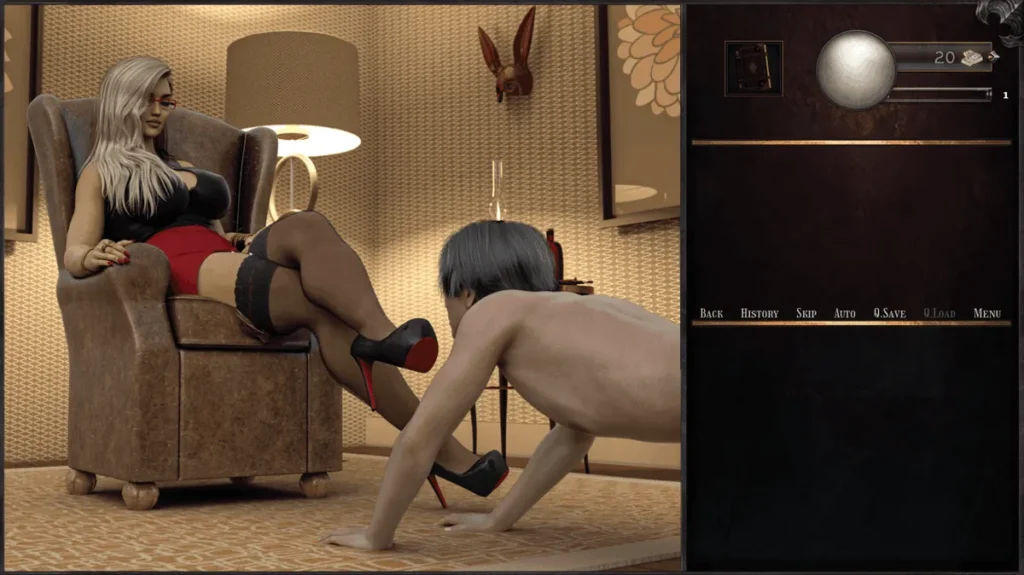
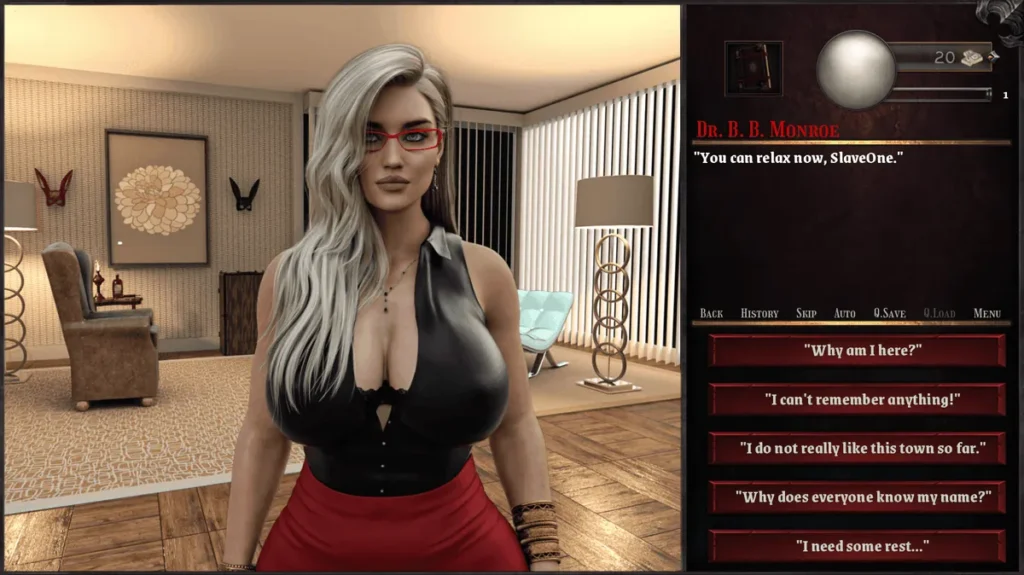
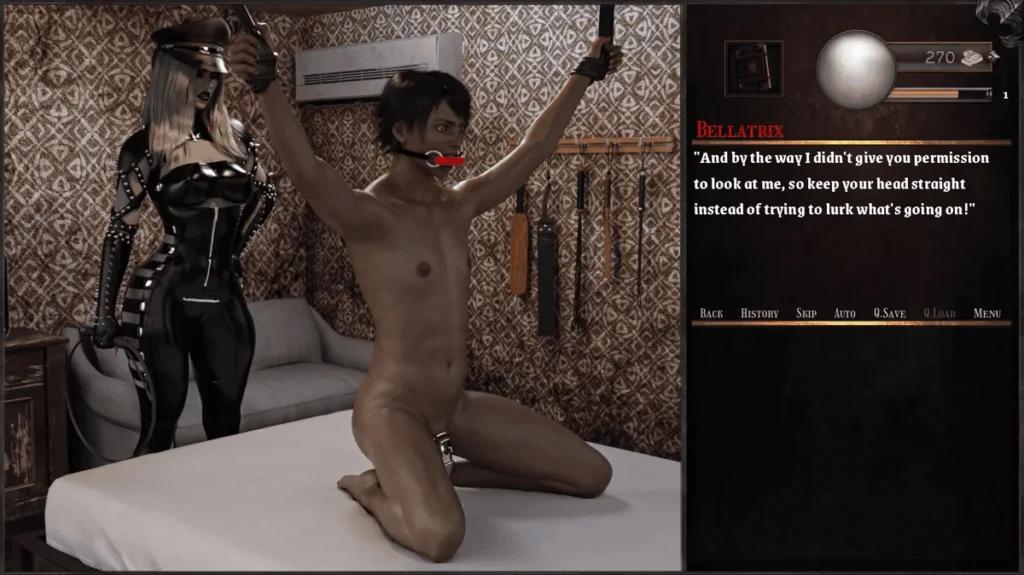
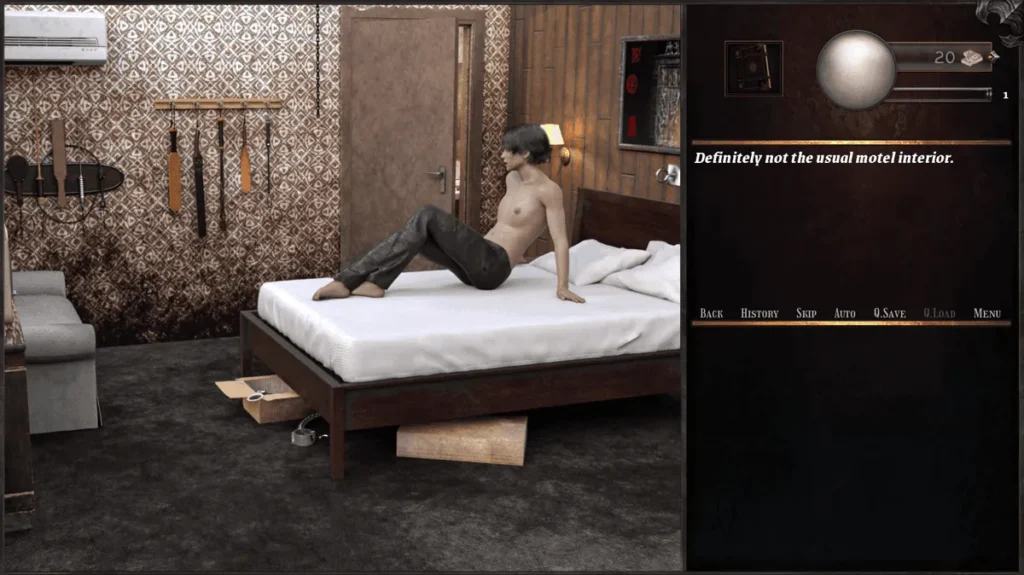
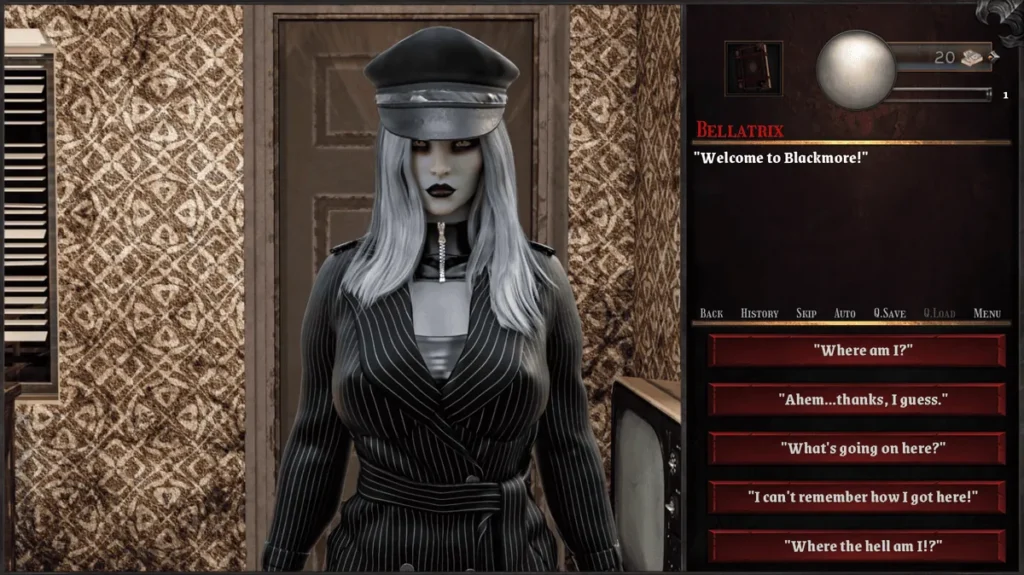
The Shadow over Blackmore review
A player-focused walkthrough, lore guide, and tips for The Shadow over Blackmore
The Shadow over Blackmore is an indie adult-oriented interactive title with a strong focus on choice-driven narrative and character relationships, and this guide dives into everything a new or returning player needs to know. Whether you want a clear walkthrough, tips for unlocking scenes, or guidance on settings and mods, this article covers the game mechanics, story beats, character arcs, and practical installation and compatibility advice to help you get the best experience. I’ll share personal playthrough notes and concrete steps I used to complete key arcs and secure problematic installs.
Gameplay Overview and Core Mechanics
What kind of game is The Shadow over Blackmore? 🎭
Let’s cut to the chase: The Shadow over Blackmore isn’t your typical visual novel, and it’s certainly not a fast-paced action game. Think of it as an interactive, mature Gothic mystery where your words are your most powerful weapon—or your greatest downfall. The core of The Shadow over Blackmore gameplay is a choice-driven narrative where every dialogue option, every kept secret, and every gesture of trust or suspicion directly sculpts the story. You play as a newcomer to the rain-lashed, haunted town of Blackmore, and your investigation into its occult secrets is entirely guided by the relationships you build and the moral lines you choose to cross.
The pacing is deliberate, almost novelistic. You’ll spend most of your time talking, observing, and making tough calls under pressure. This is a game about consequences, where a seemingly minor lie in Chapter 2 can lock you out of a vital ally’s help in Chapter 5. It’s a deeply atmospheric experience, packed with rich lore and complex characters. A key heads-up: this story deals with mature themes—cosmic horror, psychological tension, and adult relationships—so it’s absolutely intended for a grown-up audience. If you’re here for a story where your choices truly matter, you’ve found it.
Core systems: choices, progression, and resource management ⚙️
The heart and soul of this experience lies in its interconnected systems. Understanding these game mechanics Shadow over Blackmore employs is the difference between uncovering the town’s darkest secrets and meeting a grim, premature end.
The Web of Choices & The Narrative Branch
The choice-driven narrative Blackmore is built on isn’t a simple “good vs. evil” path. It’s a nuanced web. Major choices are often clearly marked and come with a timer, forcing you to go with your gut. But the real magic (and terror) lies in the subtle, unmarked choices. During my first playthrough, I casually agreed to share a drink with a reclusive historian early on. It felt like a simple role-playing choice, but it later flagged me as “trustworthy” to his faction, unlocking a whole story branch about ancient texts that was completely inaccessible when I played more aloof on a second run.
The Crucial Affinity System
This is where the game truly shines. The affinity system Blackmore uses is largely hidden, and that’s intentional. You won’t see a numerical score above someone’s head. Instead, you must pay attention to their reactions, diary entries, and subsequent scene availability. Characters have core traits they value (e.g., Honesty, Curiosity, Compassion, Ambition). Agreeing with a character’s worldview or helping them with a personal task will silently raise your affinity with them.
Pro Tip: Affinity isn’t just about being nice. Sometimes, showing ruthless Ambition will earn you more respect from certain power-hungry characters than empty kindness ever would.
Here’s a quick reference for what influences affinity with two key early-game characters:
| Character | Loves (Affinity Up) | Hates (Affinity Down) |
|---|---|---|
| Eleanor Vance (The Archivist) | Showing genuine curiosity for history, protecting old knowledge, polite formality. | Brash impulsiveness, dismissing the past as irrelevant, damaging relics. |
| Victor Thorne (The Inspector) | Logical deduction, sharing evidence, maintaining order and calm. | Emotional outbursts, withholding information, taking reckless vigilante action. |
Progression & The Insight Stat
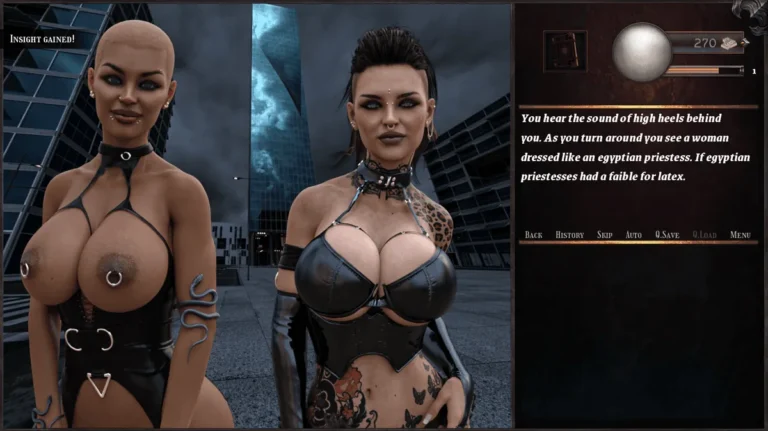
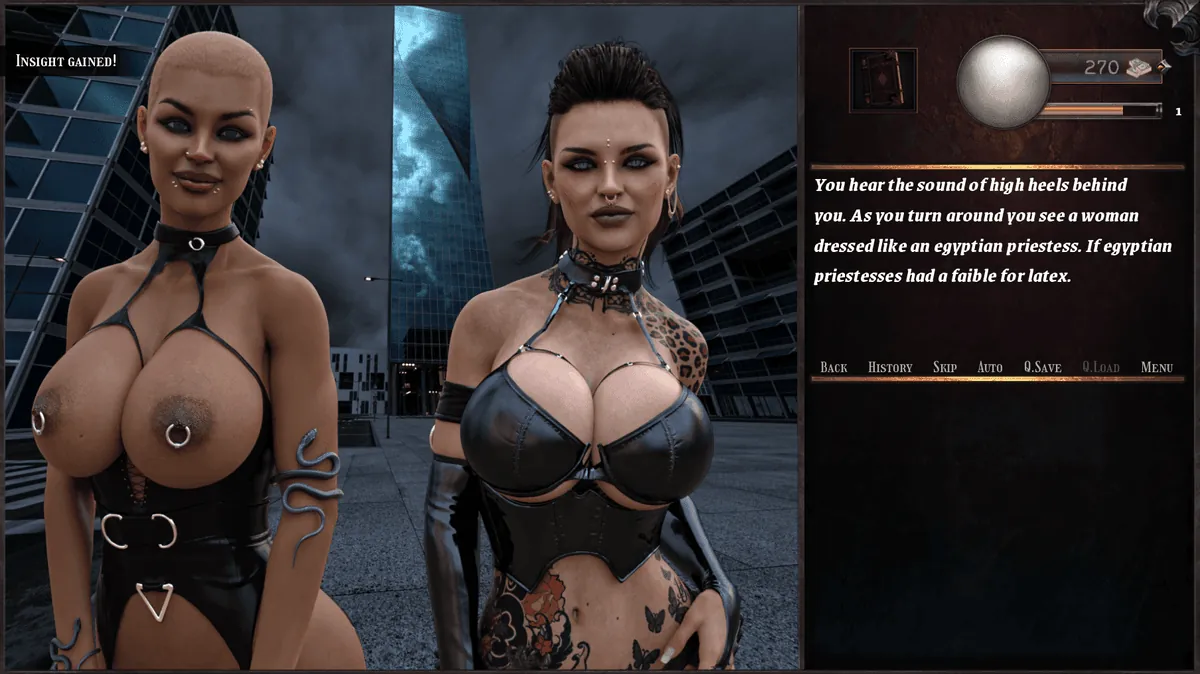
Your character grows through Insight, a stat gained by examining key clues, asking probing questions, and piecing together environmental details. Higher Insight doesn’t just make you smarter—it literally unlocks new dialogue options and narrative paths. Think of it as your detective’s intuition meter. In one scene, with low Insight, I could only see a strange symbol as a “weird drawing.” With higher Insight from studying other clues, the same symbol was presented as a “Decayed Sigil of the Third Gate,” which allowed me to ask a specific, terrifying question that changed the entire direction of my conversation.
Resource Management: Time and Trust
Your primary resources aren’t bullets or gold, but Time and Social Capital. Many story beats are date-locked. Choosing to spend an afternoon investigating the docks might mean you miss a crucial evening meeting at the manor. You cannot see and do everything in one run, which makes each playthrough uniquely personal. Your “inventory” is your knowledge and your network of contacts. Gaining a character’s trust is a resource that can be spent to ask for dangerous favors or access restricted areas.
Your First 30 Minutes: A Starter Checklist
To hit the ground running, here’s your action plan for the opening:
1. Immediate Save: Create a new save file as soon as you gain control. Title it “Chapter 1 Start.”
2. Settings First: Before any dialogue, open the Settings. Adjust text speed to a comfortable pace and enable auto-save prompts before major choices in the Gameplay menu.
3. The Introduction: Be observant and polite during your first meeting with the town council. This sets a neutral-to-positive baseline with several factions.
4. First Big Choice: When asked about your motives for coming to Blackmore, choosing “I seek the truth” is a versatile, safe option that aligns with several core traits.
5. Explore Diligently: In your first free-roam segment at the guest house, interact with every highlighted object. This builds vital early Insight.
6. Save Again: Create a second save titled “Before First Night.” This is your branching point.
Player controls, UI tips, and accessibility settings 🖱️
Mastering the interface is key to a smooth investigation. Let’s break down how to play Shadow over Blackmore from a technical standpoint.
Navigation & Controls
The game is designed for both mouse and keyboard. You can navigate menus entirely with arrow keys and Enter, which is a blessing for accessibility.
* Spacebar / Left-Click: Advances text and selects choices. Your best friend.
* Esc / Right-Click: Brings up the quick menu (Save/Load/Options) without forcing a pause in timed choices.
* Hold Ctrl: Temporarily accelerates text speed if you’re re-reading a scene.
* The ‘H’ Key: This is a secret weapon. It hides the entire UI for clean screenshots of the gorgeous, haunting artwork.
Decoding the User Interface – Essential Shadow over Blackmore UI Tips
The UI is minimalist, which can be confusing at first. Here’s what to watch for:
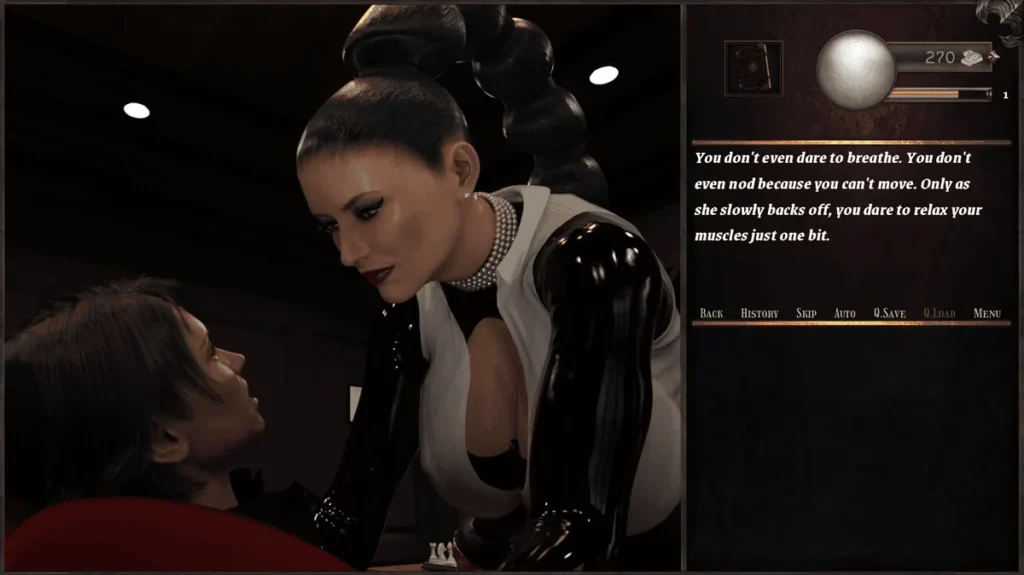
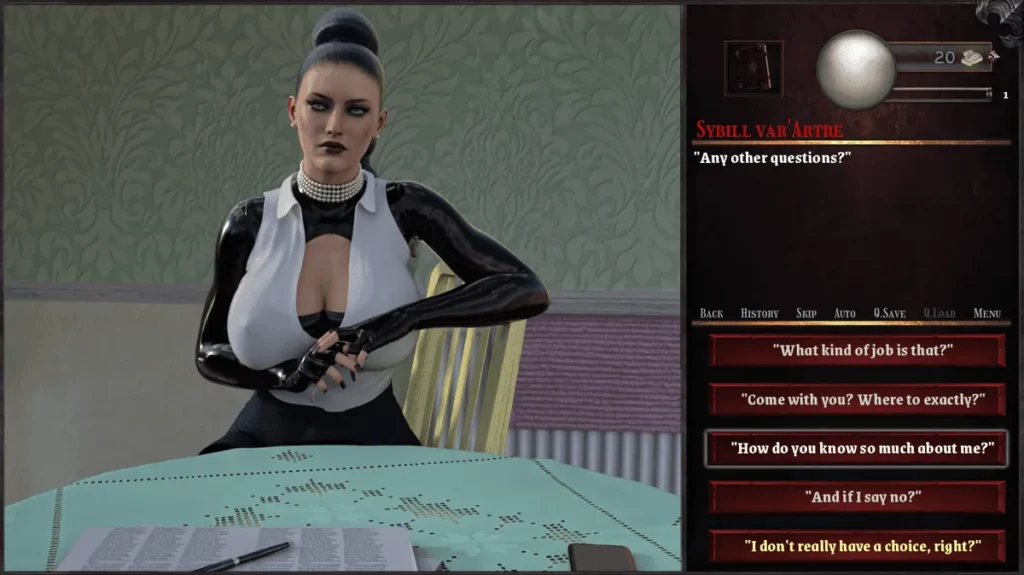
- The Dialogue Box: Choices with a pulsing golden border are major narrative forks. A small hourglass icon means the choice is timed—you have about 5-10 seconds to decide.
- The Scene Index (Your Lifesaver): Accessed from the main menu, this is your progress tracker. Unlocked scenes are listed by chapter. If you’re wondering “what did I miss?”, this menu shows you. Scenes marked with a silver lock are achievable on your current playthrough but require a different choice. Scenes with a dark iron lock require a different playthrough with a vastly altered affinity path.
- The Pause Menu Dashboard: When you pause, you’ll see your current Chapter, your known Clues, and a list of your active Acquaintances. The portrait of an acquaintance will have a subtle gleam if your last interaction significantly improved your standing with them.
- Save System: You have 100 manual save slots. Use them all. My strategy: I save at the start of every new in-game day, and create a new save before any choice that feels significant. The auto-save only triggers at chapter transitions and before some major choices (if enabled).
Accessibility & Comfort
The developers have included several thoughtful settings, especially post-launch patches. As of the most recent stable version (1.2), here are the key ones:
* Text Speed & Auto-Advance: Fully customizable. You can set text to appear instantly if you’re a fast reader.
* Font Size & Opacity: The dialogue text size can be increased, and the background opacity of the text box can be turned up for better readability.
* Content Warnings: You can enable specific warnings for scenes involving intense horror or mature themes.
* Timer Adjustments: While you can’t disable timed choices entirely (they’re core to the tension), a recent patch added a slight increase to the default timer length.
Troubleshooting Common Hiccups
* Problem: “A timed choice disappeared before I clicked!”
* Fix: The game selects the top-most choice by default when time runs out. If you panic-freeze, just let the timer expire for the default pick. In Settings, you can turn on a subtle audio cue (a clock tick) 2 seconds before a timer ends.
* Problem: “I can’t find my save files/I think my save corrupted.”
* Fix: The game stores saves locally in My Documents/BlackmoreSaves. Regularly back up this folder. If a save fails to load, try loading the auto-save from the chapter start, then manually save over a new slot.
* Problem: “The game is skipping dialogue!”
* Fix: You’re likely accidentally holding down the Ctrl key or have Auto-Advance speed set too high in the settings. Check your keyboard and adjust the auto-mode delay.
A Defining Choice: The Autopsy
Let me leave you with a personal story that cemented my love for this game’s systems. Midway through my second playthrough, I had cultivated a close, trusting affinity with Eleanor, the archivist. She confided in me about a forbidden text. Later, Inspector Thorne, with whom I had a colder, more professional relationship, demanded I hand over any “dangerous materials.” I faced a golden-bordered, timed choice: Give him the text, Lie about having it, or Consult Eleanor.
On my first run, I’d given it to him immediately, earning his trust but making Eleanor cold and distant for chapters. This time, I chose Consult Eleanor. The game didn’t just show a “Eleanor approves” message. It launched into a secret, urgent night-time scene where we devised a plan to create a convincing forgery. This consumed two units of my precious “Time” resource and required a high Insight check to pull off. We succeeded. Thorne was appeased with the fake, my bond with Eleanor deepened into a powerful alliance, and a later story arc about occult smuggling opened up exclusively because of that forged document. One choice, rooted in the affinity system Blackmore built, redirected the entire investigative power structure of my game. That’s the profound, layered The Shadow over Blackmore gameplay experience—a world where every whisper matters.
The Shadow over Blackmore offers a choice-heavy narrative experience where player decisions shape relationships and endings; mastering its systems, knowing where to save, and safely handling installs and mods will let you enjoy the full breadth of content. Use the walkthrough checkpoints and affinity tips above to target specific arcs, test mods cautiously and back up saves, and lean on community resources when you hit a snag. If you found this guide useful, try one of the recommended starting approaches from the walkthrough and share your experience in community forums to help others.